Comparison
Glowforge vs Cricut: Laser or Cutting Machine for Your Crafts?
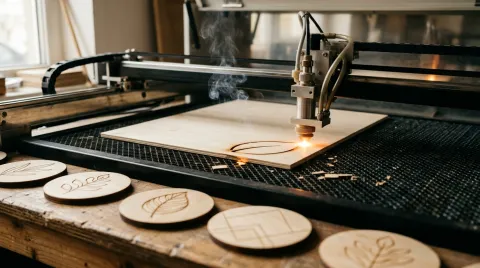
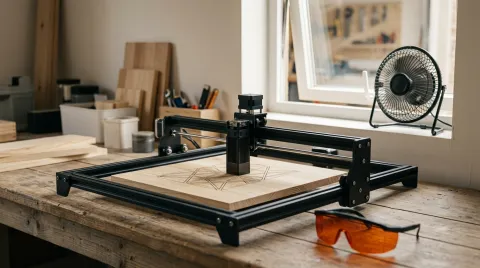
A Glowforge burns through wood, acrylic and leather with a laser and engraves photos; a Cricut cuts vinyl, iron-on, paper and fabric with a blade. Here's what each one does well, what it costs, and which crafters should buy which.
This page contains affiliate links; we may earn from purchases made through them. Learn more
Glowforge
Glowforge Aura
6.6/10 research score6W diode laser in a Class 1 case with the simplest app; cuts materials up to 1/4 in, list $1,199.
Glowforge
Glowforge Spark
6.3/10 research scoreGlowforge's smallest laser: 6W and an 8.5 × 11 in bed, list $899.
xTool
xTool M2
8.0/10 research scoreEnclosed 10W laser with cameras for $499, plus an optional inkjet module for print-then-cut crafts.
The short answer
Buy a Cricut (the Maker 4 is $399) if you mostly make vinyl decals, T-shirts, stickers, cards and fabric projects. Buy a laser if you want to cut wood or acrylic or engrave anything. The Glowforge Aura is the easiest laser to learn, but at 6W it's slow for $1,199, and enclosed rivals such as the xTool M2 do more for less, including print-then-cut stickers.
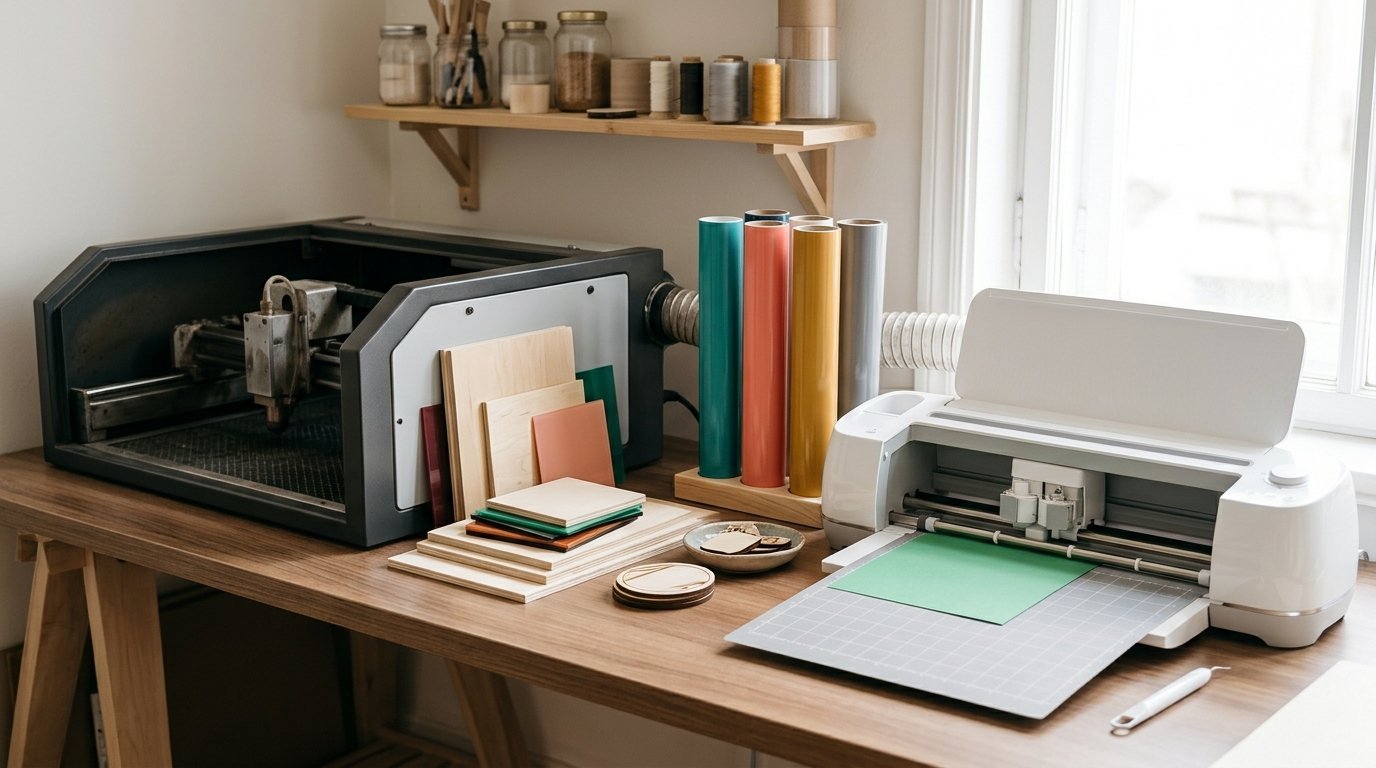
"Glowforge or Cricut?" is one of the most common questions crafters ask when they want to move beyond paper and vinyl. The two machines look similar on a desk and both cut out shapes from a design, but they work in completely different ways. A Cricut drags a small blade through the material. A Glowforge is a laser that burns through it, and can also engrave. Here's how that changes what you can make; see how we research.
The short answer
| Factor | Cricut Maker 4 | Glowforge Aura |
|---|---|---|
| How it cuts | Blade (13 swappable tools) | 6W blue diode laser |
| Price (list) | $399 | $1,199 |
| Best materials | Vinyl, iron-on, cardstock, stickers, fabric | Wood, acrylic (colored), leather, paper |
| Wood | Thin balsa and basswood only, up to about 2.4 mm | Up to 1/4 in |
| Engraving | Scratch engraving with an add-on tip | Burns designs and photos into wood, leather and more |
| Vinyl (PVC) | Yes, its main job | No: unsafe to laser |
| Fabric | Yes, with the rotary blade | Some natural fabrics, edges sealed by heat |
| Fumes | None | Smoke that needs venting |
| Software | Cricut Design Space | Glowforge web app (Wi-Fi required) |
Prices from Cricut's and Glowforge's US stores in October 2026. Glowforge has sold the Aura for $999 on sale.
What a Cricut does better
Vinyl, iron-on and stickers are the Cricut's home ground, and it's the right tool for them. It cuts precise shapes in thin, flexible materials without heat, smoke or fumes, and Cricut says the Maker 4 works with more than 300 materials, from vinyl, iron-on and cardstock to fabric, leather and balsa wood. It's also much cheaper: the Maker 4 lists at $399.
A laser can't replace it for vinyl. Most craft vinyl is PVC, which gives off chlorine gas when lasered; see what materials you can laser. Many crafters who buy a laser keep their Cricut for exactly this reason.
What a laser does better
Wood and acrylic. A Cricut's Knife Blade is rated for materials up to 3/32 inch (about 2.4 mm), and cuts them slowly in many passes. A laser cuts wood, plywood and dark acrylic in minutes; even the low-power Glowforge Aura handles material up to 1/4 inch, and more powerful lasers cut 8 mm to 20 mm or more. See our best laser engravers for wood.
Engraving. This is the big difference. A laser burns text, logos and even photos into wood, leather, slate, coated tumblers and more, which is how most laser crafters make products to sell. A Cricut's Engraving Tip only scratches soft metals and acrylic.
Thick and hard materials. Leather, chipboard and acrylic that a blade struggles with are routine for a laser.
The catches with a laser
- Price. Even entry-level enclosed lasers cost more than a Cricut, from about $499.
- Fumes. Lasering makes smoke that must be vented or filtered; see our laser engraver safety guide.
- Fire risk. You should never leave a laser running unattended.
- Material limits. Diode lasers like the Aura can't cut clear acrylic, and no laser should touch PVC.
Glowforge or another laser?
Glowforge's strength is simplicity: the Aura is a Class 1 enclosed laser with cameras and the easiest app of any laser we cover, which makes it appealing to Cricut users. The trade-off is power and value. At 6W it's slow and limited to thin material, it needs Wi-Fi and Glowforge's cloud app to work, and enclosed rivals with 10W or 20W lasers cost less. Read our full Glowforge Aura review.
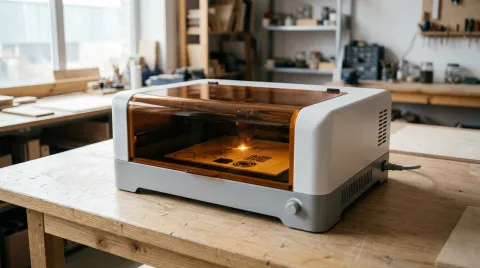
The closest thing to a "Cricut-style" laser is the xTool M2: a Class 1 enclosed 10W laser with two cameras and air assist for $499, with an optional inkjet module so you can print a design and cut it out, the way Cricut users make stickers. Compare more options in our best Glowforge alternatives and best laser engravers for beginners.
Which should you buy?
- Vinyl decals, T-shirts, mugs, cards, stickers and fabric: a Cricut. It's cheaper, cleaner and built for these materials.
- Wooden signs, ornaments, coasters, acrylic earrings, leather patches and engraved gifts: a laser.
- A bit of everything: many crafters end up with both. If you already own a Cricut, add an enclosed laser rather than replacing it.
| Spec | Glowforge Glowforge Aura | Glowforge Glowforge Spark | xTool xTool M2 |
|---|---|---|---|
| Research score | 6.6/10 research score | 6.3/10 research score | 8.0/10 research score |
| List price | $1,199 | $899 | $499 |
| Laser | |||
| Laser power | 6 W | 6 W | 10 W (best) |
| Laser source | 6W blue diode (450 nm) | 6W blue diode | 10W blue diode (20W version; 3W infrared and CMYK inkjet modules are add-ons) |
| Wavelength | 450 nm | Not published | Not published |
| Spot size | Not published | Not published | 0.04 × 0.06 mm (10W), 0.06 × 0.08 mm (20W) |
| Work area and speed | |||
| Work area width | 305 mm | 216 mm | 426 mm (best) |
| Work area length | 305 mm | 279 mm | 320 mm (best) |
| Maximum speed | Not published | Not published | 600 mm/s |
| Maximum material height | 19 mm | 19 mm | Not published |
| Thickest wood cut | 6 mm | 6 mm | 8 mm (best) |
| Safety | |||
| Fully enclosed | Yes | Yes | Yes |
| Laser safety class | Class 1 (embedded Class 4 laser) | Class 1 (embedded Class 4 laser) | Class 1 |
| Features | |||
| Camera | Yes | Yes | Yes |
| Autofocus | Yes | Yes | Yes |
| Air assist | Not published | Not published | Yes |
| Rotary support | Not published | Not published | Yes |
| Pass-through | Yes | No | Not published |
| Software and connectivity | |||
| Software | Glowforge web app (internet connection required) | Glowforge web app (internet connection required) | xTool Studio |
| LightBurn support | No | No | Not published |
| Connectivity | Wi-Fi required (2.4 GHz) | Wi-Fi required (2.4 GHz) | USB, Wi-Fi |
| Size and warranty | |||
| Weight | 19 lb | 10.8 lb (best) | 27.1 lb |
| Dimensions | 22 × 20.5 × 5 in | 21 5/16 × 19 1/4 × 5 1/4 in | 610 × 569 × 180 mm |
| Warranty | 1 year | 1 year | 1 year |
| Where to buy | Check price at Glowforge (opens in a new tab) | Check price at Glowforge (opens in a new tab) | Check price at xTool (opens in a new tab) |
Frequently asked questions
Is a Glowforge better than a Cricut?
Can a Cricut cut wood?
Can a Glowforge cut vinyl?
Can a Cricut engrave?
Do you need a subscription for Glowforge or Cricut?
Sources
Specs, prices and claims in this article come from these sources.
- Cricut Maker 4 · Cricut · accessed Oct 25, 2026
- Cricut Knife Blade + Drive Housing (material thickness) · Walmart · accessed Oct 25, 2026
- Glowforge Aura product page · Glowforge · accessed Oct 18, 2026
- Glowforge Spark product page · Glowforge · accessed Oct 18, 2026
- xTool M2 laser cutter · xTool · accessed Oct 18, 2026
Written by
Research and editing
The LaserEngravers editorial team researches laser engravers from manufacturer documents, published measurements and owner reports.